

For the complete Netlify documentation index, see llms.txt. Markdown versions of any documentation page are available by appending .md to its URL. Netlify’s name servers will vary depending on your domain. Learn how to find your name servers.
To get a list of available name servers for your domain, you must first add a domain to your site or team.
Next you can find Netlify’s available name servers for that domain in the Netlify domains dashboard.
- Go to your Netlify Team dashboard.
- From your project dashboard, in the top left, choose Projects next to your project name.
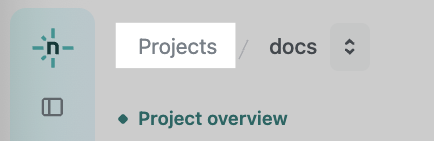
- From your project dashboard, in the top left, choose Projects next to your project name.
- Select DNS from the left sidebar.
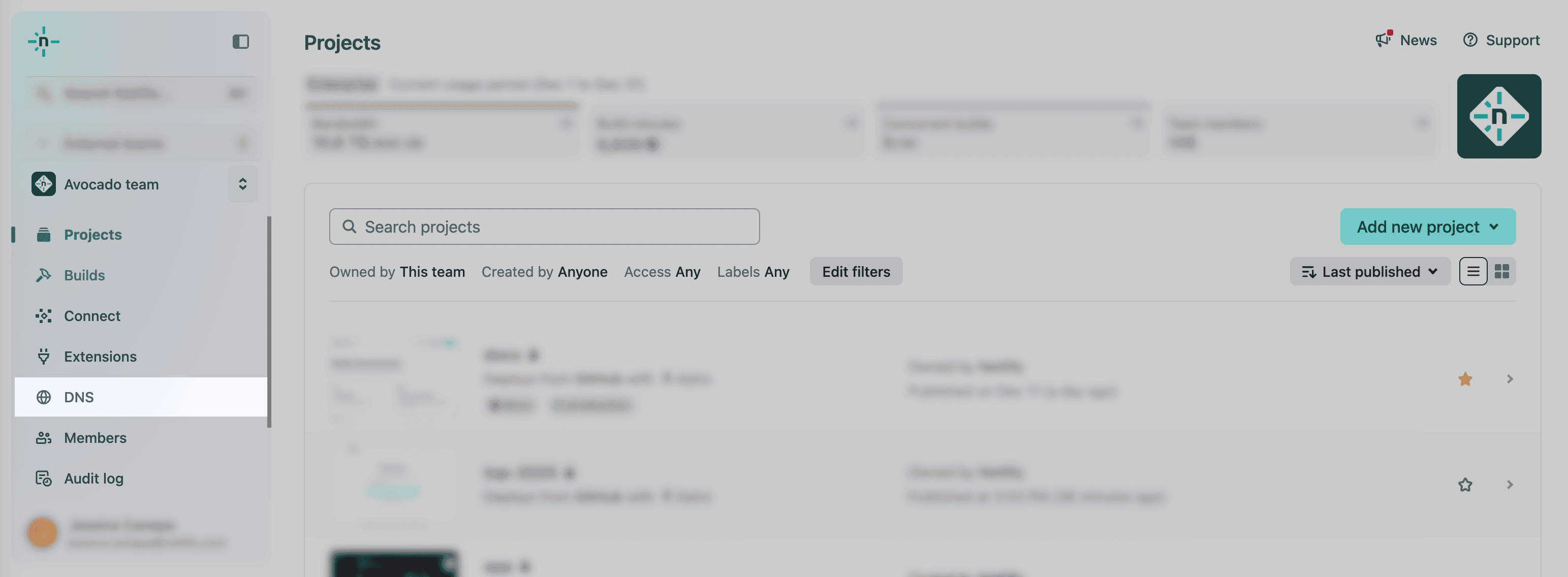
-
Select the specific domain you want to set up name servers for.
-
From your domain dashboard, under Name servers, you’ll find a list of available name servers for your domain in a format simliar to
dns1.p01.nsone.net.
Did you find this doc useful?
Your feedback helps us improve our docs.