

Enable IPv6 for your site or app to use the newer IP protocol, which has a range of benefits over the older IPv4 protocol.
IPv6 is a newer protocol for how devices communicate over the internet. Among other differences, it uses a 128-bit address instead of the IPv4’s 32-bit address, supports more IP addresses, and is the process of replacing IPv4.
By default, IPv6 is not enabled on all Netlify sites and apps. If you use Netlify DNS, you can enable it explicitly in your Domains dashboard.
To enable IPv6 for your site or app:
- Go to your Netlify Team dashboard.
- From your project dashboard, in the top left, choose Projects next to your project name.

- From your project dashboard, in the top left, choose Projects next to your project name.
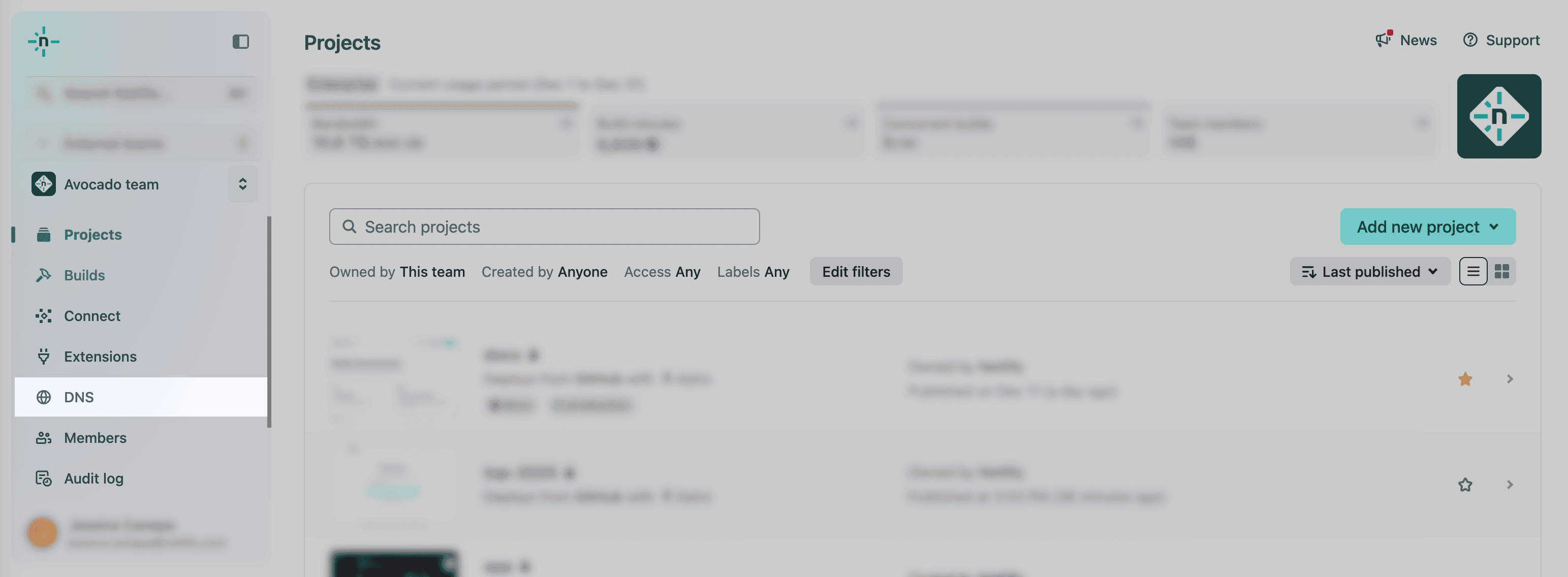
- Select DNS from the left sidebar.
- Select the domain you want to enable IPv6 for and select Enable IPv6.
Did you find this doc useful?
Your feedback helps us improve our docs.