

For the complete Netlify documentation index, see llms.txt. Markdown versions of any documentation page are available by appending .md to its URL. Netlify keeps a log of actions taken by your Netlify Identity users. To access a project’s Identity audit log, take these steps:
- Navigate to the Identity Audit log section for your project.
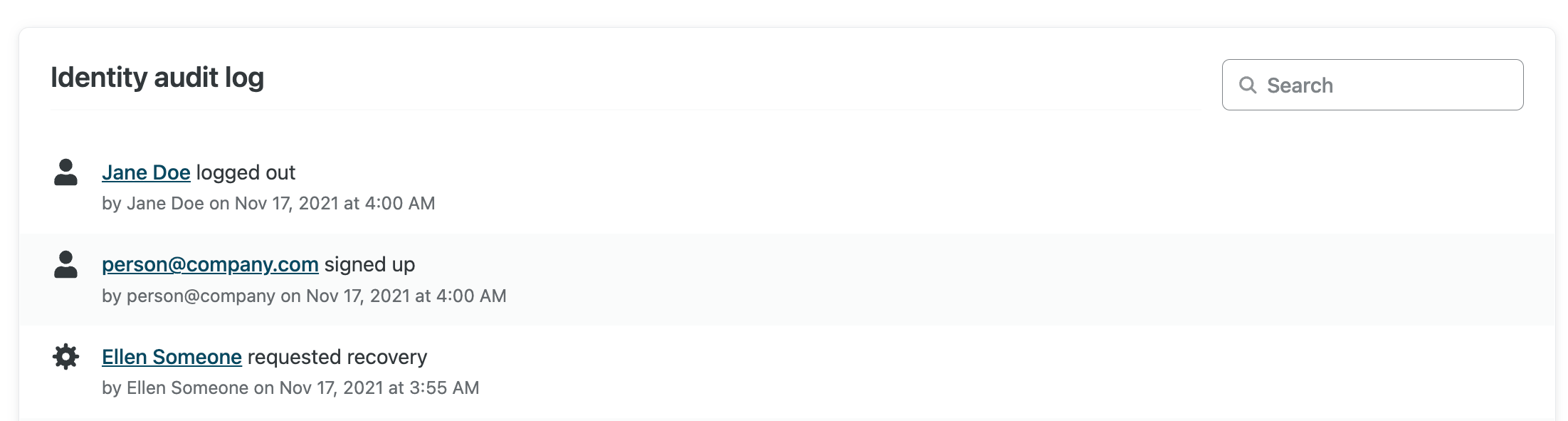
Audit log search
Section titled “Audit log search”To search a project’s Identity audit log, provide a scoped search term and press enter or use the magnifying glass icon in the search field.
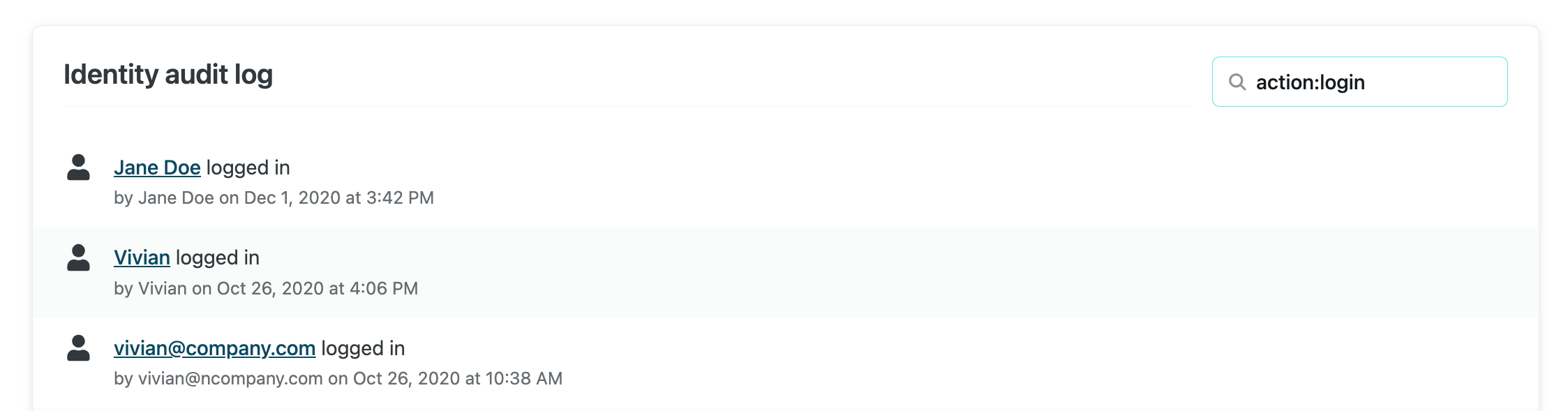
Searches require a scope: prefix. The following search scopes are available:
author:[string]: search log history for events by any Identity users with names or emails containing the given string.action:[string]: search log history for actions with names containing the given string. The following action names are available:loginlogoutuser_signedupuser_deleteduser_modifiedtoken_revokedtoken_refresheduser_recovery_requesteduser_invited
Did you find this doc useful?
Your feedback helps us improve our docs.