

For the complete Netlify documentation index, see llms.txt. Markdown versions of any documentation page are available by appending .md to its URL. Connect the Netlify app to ChatGPT to ask questions about your Netlify projects, build with Netlify primitives, deploy through conversation, and set up automations that respond to Netlify events.
Before you begin
Section titled “Before you begin”- A Netlify personal account.
- A ChatGPT account that can access ChatGPT apps.
Find Netlify in ChatGPT apps
Section titled “Find Netlify in ChatGPT apps”In ChatGPT, go to Apps and search for Netlify. Select Netlify to open the app details page.
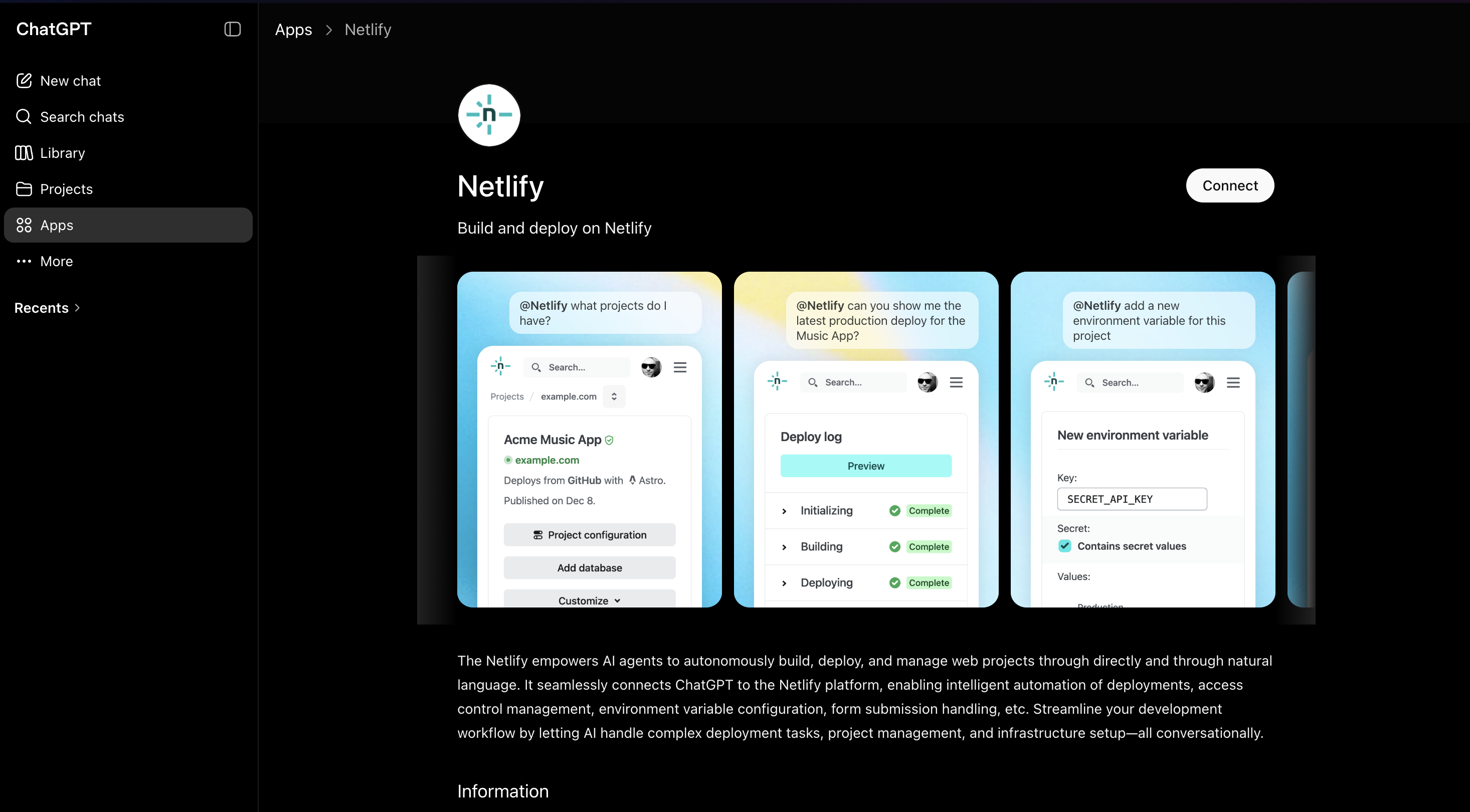
Connect and authenticate with Netlify
Section titled “Connect and authenticate with Netlify”Select Connect and then Sign in with Netlify. Follow the prompts to authenticate with your Netlify account and allow ChatGPT to connect to Netlify.
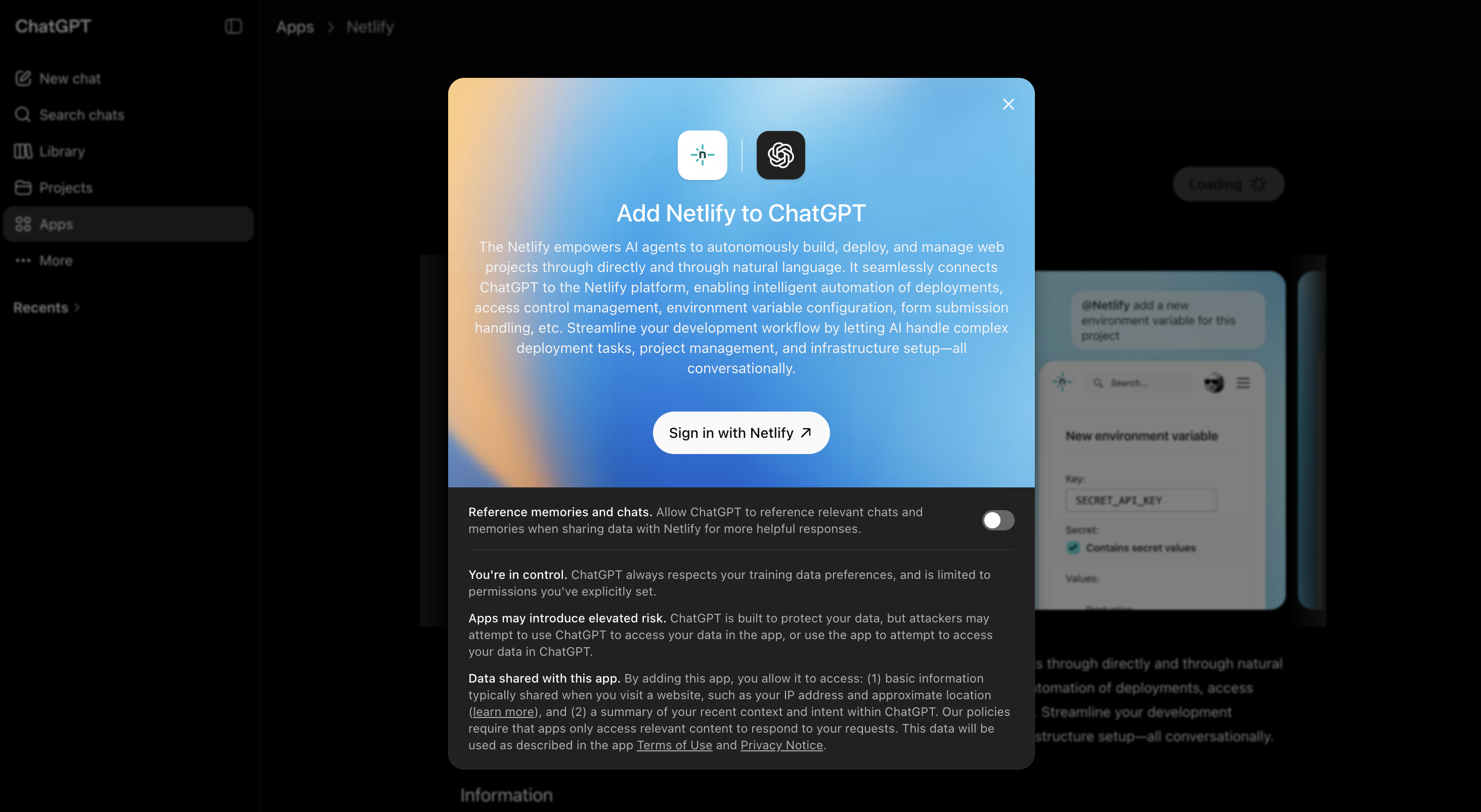
Use @Netlify in ChatGPT
Section titled “Use @Netlify in ChatGPT”After connecting Netlify, reference @Netlify in your ChatGPT prompt to ask questions about your projects or ask ChatGPT to take actions in Netlify.
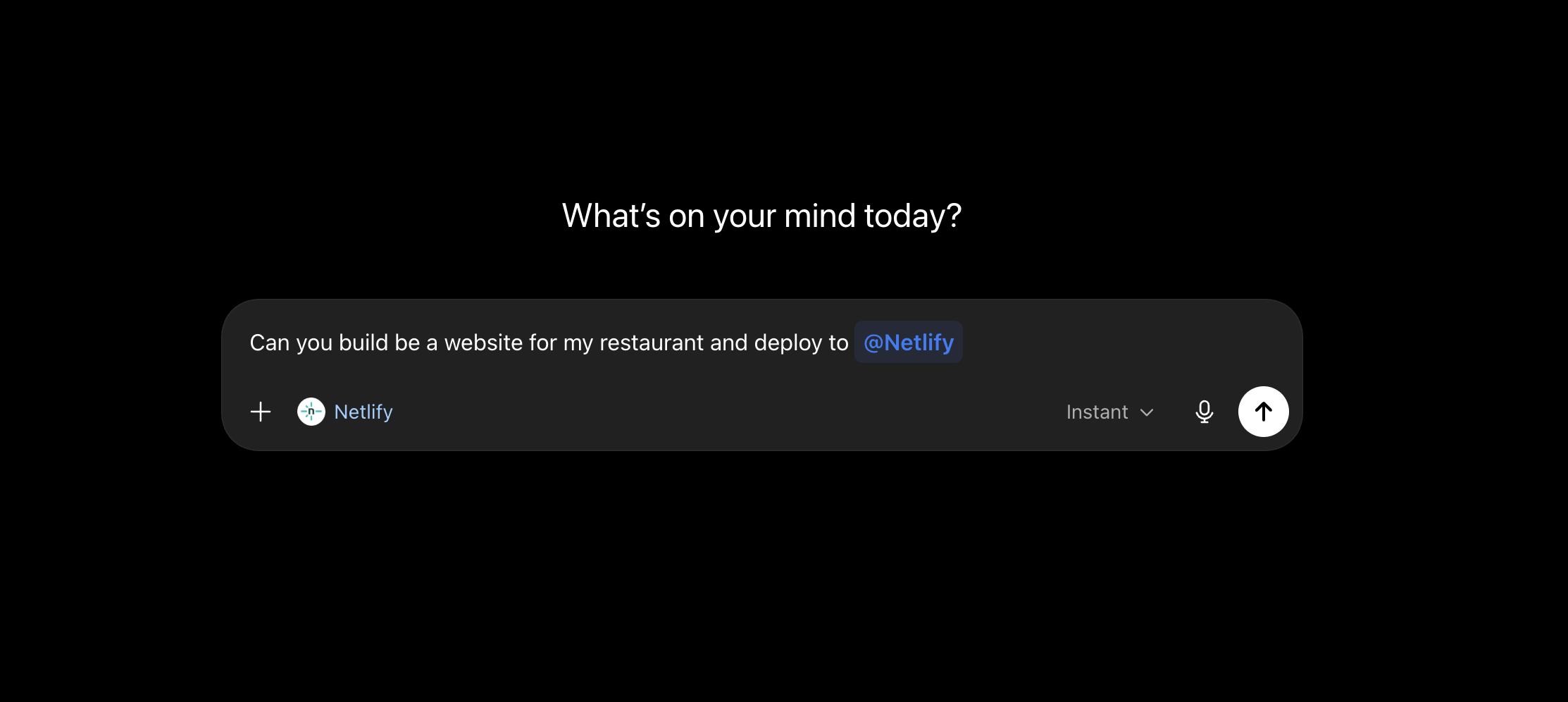
For example:
@Netlify what projects do I have?Can you build me a website for my restaurant and deploy it to @Netlify?@Netlify show me the latest production deploy for my project.Depending on your request, ChatGPT can use Netlify to answer questions about your projects, update supported project settings, or deploy your project.
Subscribe to Netlify events
Section titled “Subscribe to Netlify events”You can ask ChatGPT to subscribe to events on your Netlify projects and set up automations that run when those events happen. For example, you can subscribe to events like these:
- A deploy succeeded
- A build failed
- A form submission came in
For more events you can subscribe to, check out our deploy events.
To subscribe, ask ChatGPT in plain language which events you care about and what it should do when they happen. For example:
@Netlify when a production deploy succeeds for my project, summarize what changed.@Netlify when a new form submission comes in for my project, review it and flag it if it needs a follow-up.Because these automations live in ChatGPT, you can adjust them in conversation as your workflow changes.
Next steps
Section titled “Next steps”- Learn more about agent setup best practices.
- Learn how to deploy your AI generated project.
Did you find this doc useful?
Your feedback helps us improve our docs.