

For the complete Netlify documentation index, see llms.txt. Markdown versions of any documentation page are available by appending .md to its URL. The Powered by Netlify badge appears on new public projects created on a Free plan. Every visitor sees it, and selecting it opens a card that invites them to build a project of their own. You can turn the badge on or off.
What visitors see
Section titled “What visitors see”The badge appears in the bottom-right corner of any page of the project:
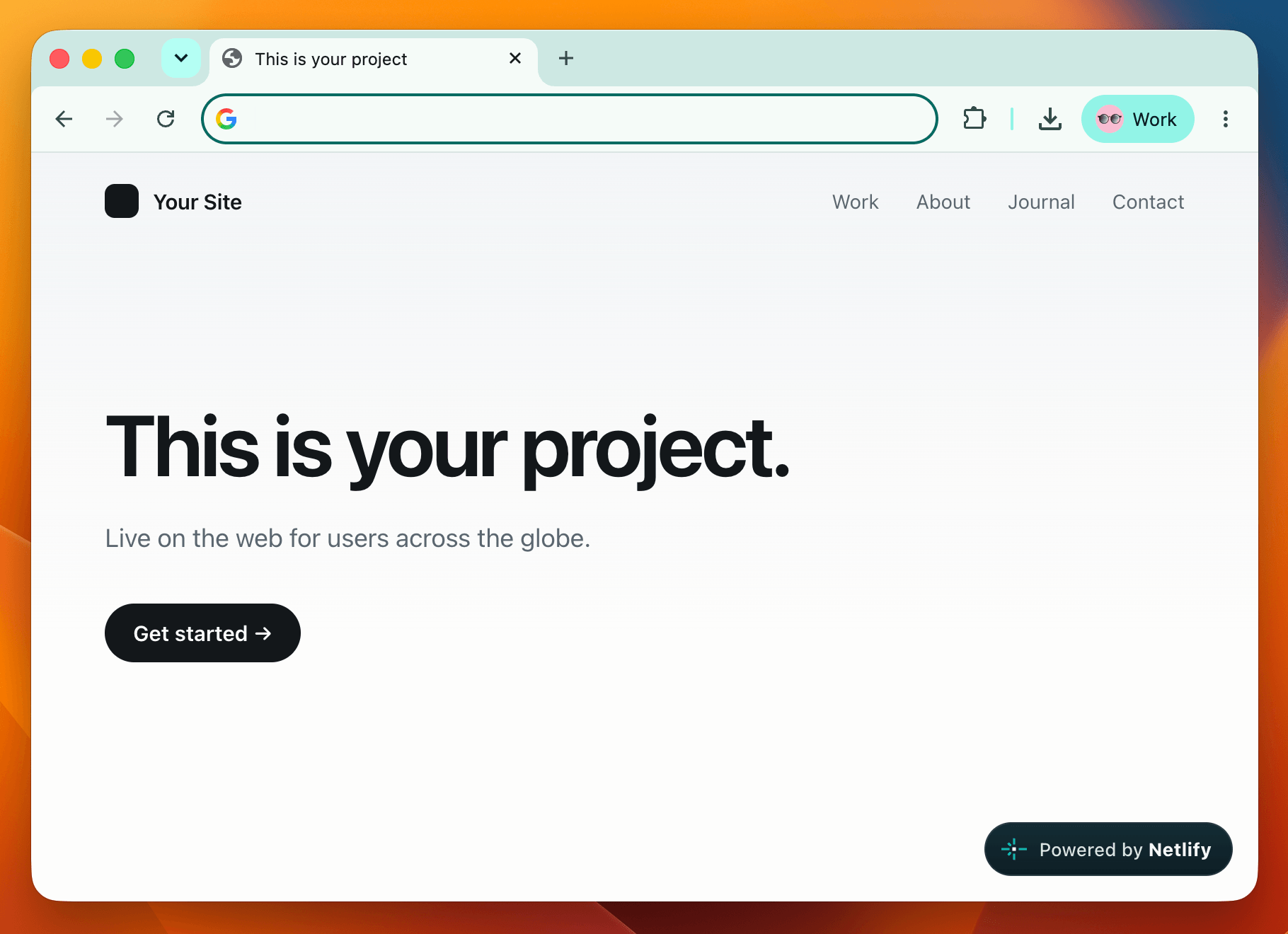
When a visitor selects the badge, a card opens where they can describe a project they want to build and start it with an agent, or drop an existing project onto Netlify.
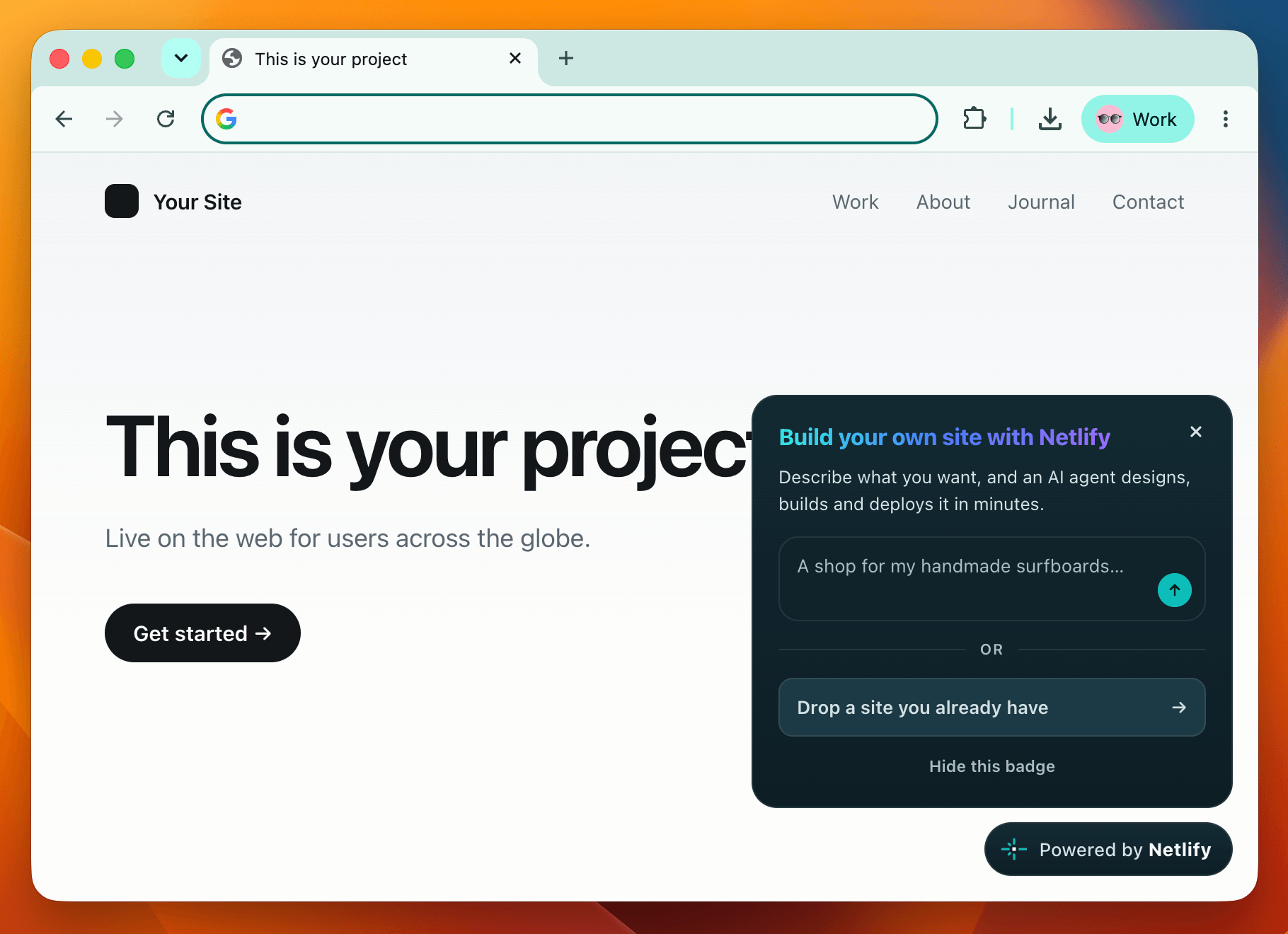
The badge looks the same on every project that carries it, and it says nothing about you, your team, or how much traffic you get.
When is the badge on
Section titled “When is the badge on”New projects created on or after August 19, 2026 on a Free plan (either legacy or Credit-based) start with the badge on. Projects that were created before that date have the badge off. We’re rolling this out gradually, so a brand-new Free project may not have it yet.
On the Credit-based Personal and Pro plans, the badge is off by default, and you can turn it on for any project.
Turn the badge on or off
Section titled “Turn the badge on or off”The badge is how visitors discover that a project is powered by Netlify. If it doesn’t suit a particular project you own, such as client work or anywhere third-party branding is out of place, you can turn it off.
The setting is per project, so turning it off on one project leaves the rest of your team’s projects unchanged. To change it:
- In the Netlify UI, go to your project and select Project configuration General Powered by Netlify badge.
- Turn the badge on or off.
- Save your changes.
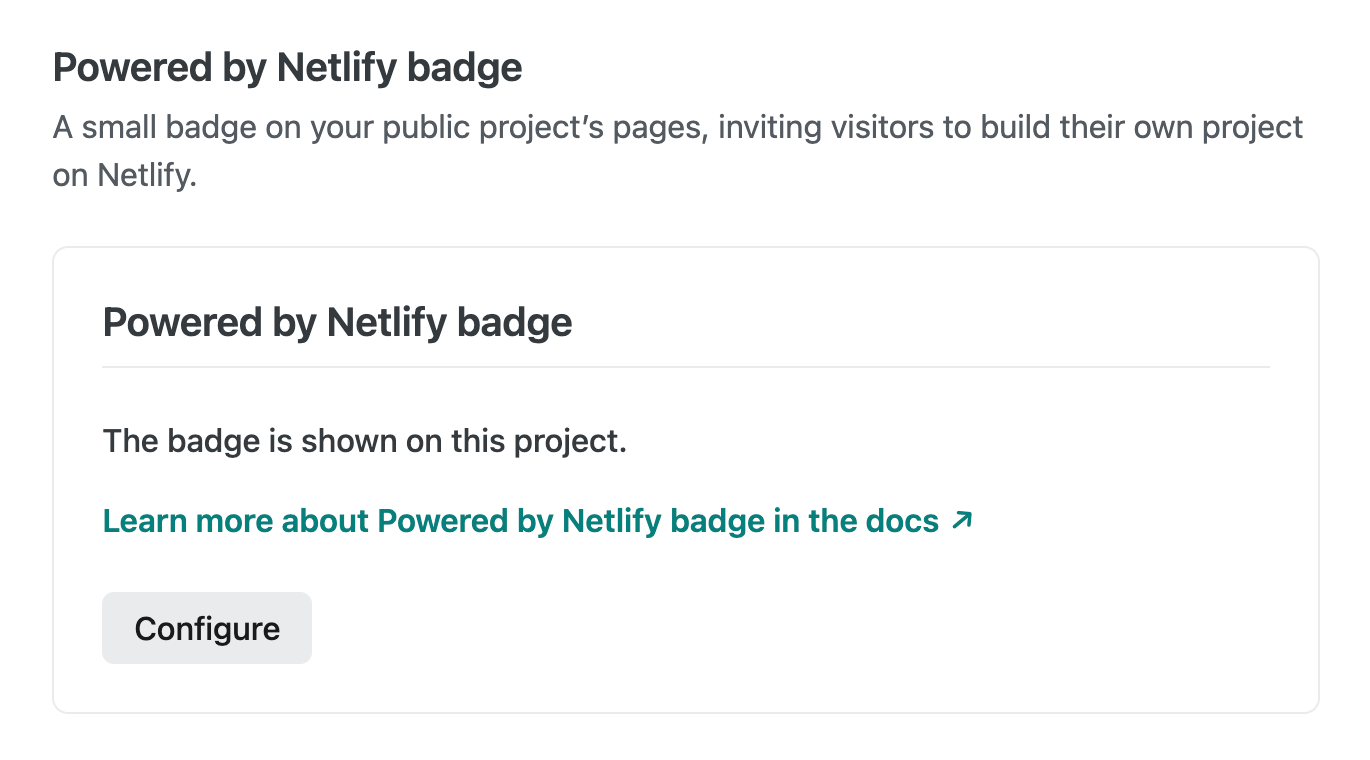
The change takes effect on the next request. You don’t need to redeploy the project.
Hide the badge
Section titled “Hide the badge”Visitors can dismiss the badge for themselves by selecting Hide this badge inside the card. It stays hidden for that project.
The choice is stored only in local storage on your project’s own domaindomainThe web address people use to visit your site, such as yoursite.com.. That means that:
- Netlify does not collect any information when the badge is hidden.
- Hiding applies to that browser on that device only. The badge still appears for other visitors.
- If you hide the badge, it will only apply to the exact domain you hid it on. For example, if your browser shows the
example.comdomain and you hide the badge, then you will still find the badge onwww.example.com. - Safari clears local storage after 7 days without a visit. On Safari, and any browser on an iOS device, the dismissal is thus not permanent.
To remove the badge for everyone, turn off the Powered by Netlify badge in your project configuration instead.
What the script does on your page
Section titled “What the script does on your page”Netlify injects the badge script on our edge servers, so it arrives with the page. Your source, build, and dependencies are untouched. The same script renders the pre-launch toolbar on private projects, so everything in this section applies to both.
- It makes no network requests: no analytics, cookies, or other data collection.
- It renders in an isolated frame, so your project’s CSS can’t affect the badge and the badge can’t affect your layout.
The badge works on any page type, including pages rendered at request time by Netlify Functions and Edge Functions.
Troubleshooting
Section titled “Troubleshooting”Here are potential reasons why the badge may not appear:
- The rollout hasn’t reached the project. The badge is rolling out gradually, so a project that qualifies may not have it yet.
- The project is private. The badge appears only on public projects. Check project visibility.
- The badge setting is off. Check Project configuration General Powered by Netlify badge.
- You dismissed it in this browser. Dismissals are per browser and per domain, so try another browser or a private window.
- The plan doesn’t include it. The badge is available on the legacy and Credit-based Free plans, and on the Credit-based Personal and Pro plans. It is not available on Enterprise plans.
- A Content Security Policy is blocking it. See the note above.
The badge also does not appear on a project protected by team login or SSO.
More resources
Section titled “More resources”Did you find this doc useful?
Your feedback helps us improve our docs.