

For the complete Netlify documentation index, see llms.txt. Markdown versions of any documentation page are available by appending .md to its URL. Manage payments for your Netlify team account, including managing payment methods, tracking payment history or invoices, and understanding overdue accounts.
Payment methods
Section titled “Payment methods”Netlify accepts credit cards, Apple Pay, and Google Pay. Enterprise plan customers can also pay via ACH or wire transfer.
Netlify does not accept payment through PayPal or cryptocurrencies.
For Credit-based plans, you cannot purchase credits in advance.
Payment scheduling
Section titled “Payment scheduling”Payments for Credit-based plans are scheduled at the start of each monthly billing cycle, which is customized for when you started your pricing plan.
You cannot pay a year in advance unless you have an Enterprise plan.
Add or update a payment method
Section titled “Add or update a payment method”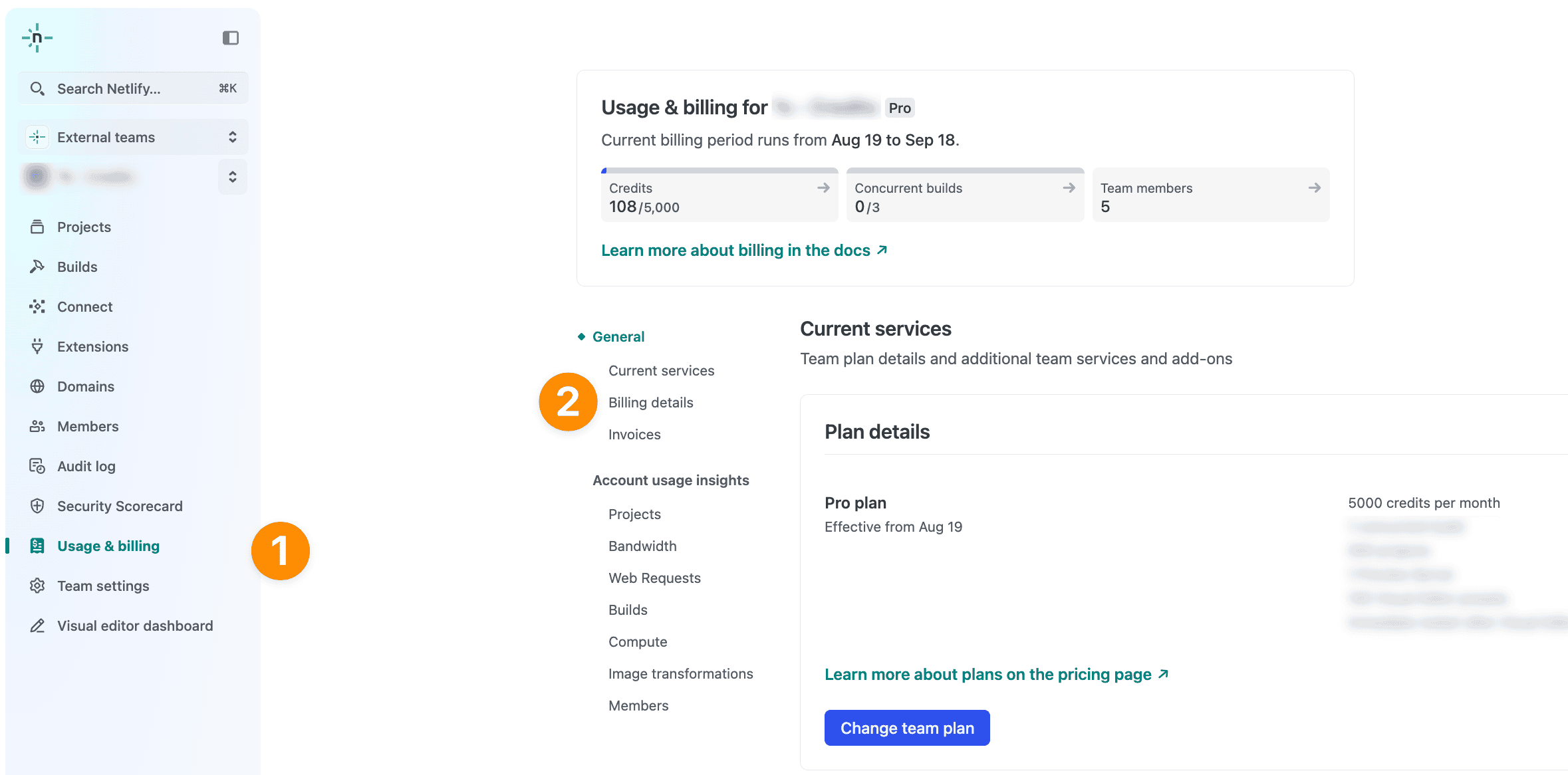
As a Team Owner or Billing Admin, to add or update a payment method:
- From your Netlify team dashboard, go to .
- Under Payment information, choose Add payment method or Change payment method.
- Follow the prompts to add or update your payment method and confirm the changes.
Remove a payment method
Section titled “Remove a payment method”To remove a payment method you must either have another payment method added or downgrade your plan to the free plan.
As a Team Owner or Billing Admin, to remove a payment method:
- From your Netlify team dashboard, go to .
- Under Delete payment method, check if you need to add another payment method or downgrade your plan to the free plan before continuing.
Find payment history or invoices
Section titled “Find payment history or invoices”As a Team Owner or Billing Admin, where you find invoices depends on your plan:
- Enterprise teams: Go to your Organization’s billing dashboard. Invoices are listed there, where you can view a breakdown for each invoice, use the Pay button to access the invoice portal, or download invoices directly.
- All other teams: From your Netlify team dashboard, go to . Under Invoices, you will find a list of your team’s invoices.
Did you find this doc useful?
Your feedback helps us improve our docs.